This text originated at storiesandnovels.com and is copyrighted by the author, Franz Jørgen Neumann. It is free to read for personal enjoyment. No other use without express permission is allowed.
Obsidian for Fiction Writers
In two earlier guides, I shared my experiences writing fiction in BBEdit (a robust code editor) and iA Writer (a minimal text editor). I continue to use both applications when writing copy, but have turned to Obsidian for writing fiction since the app’s debut in 2020.
While iA Writer and BBEdit are proudly opinionated in their appearance, Obsidian is endlessly customizable—at the cost of a myriad options. However, once adjusted to your liking, Obsidian can be as easy to use as those other apps, and with a similarly clean interface.

Obsidian above, iA Writer and BBEdit, below.
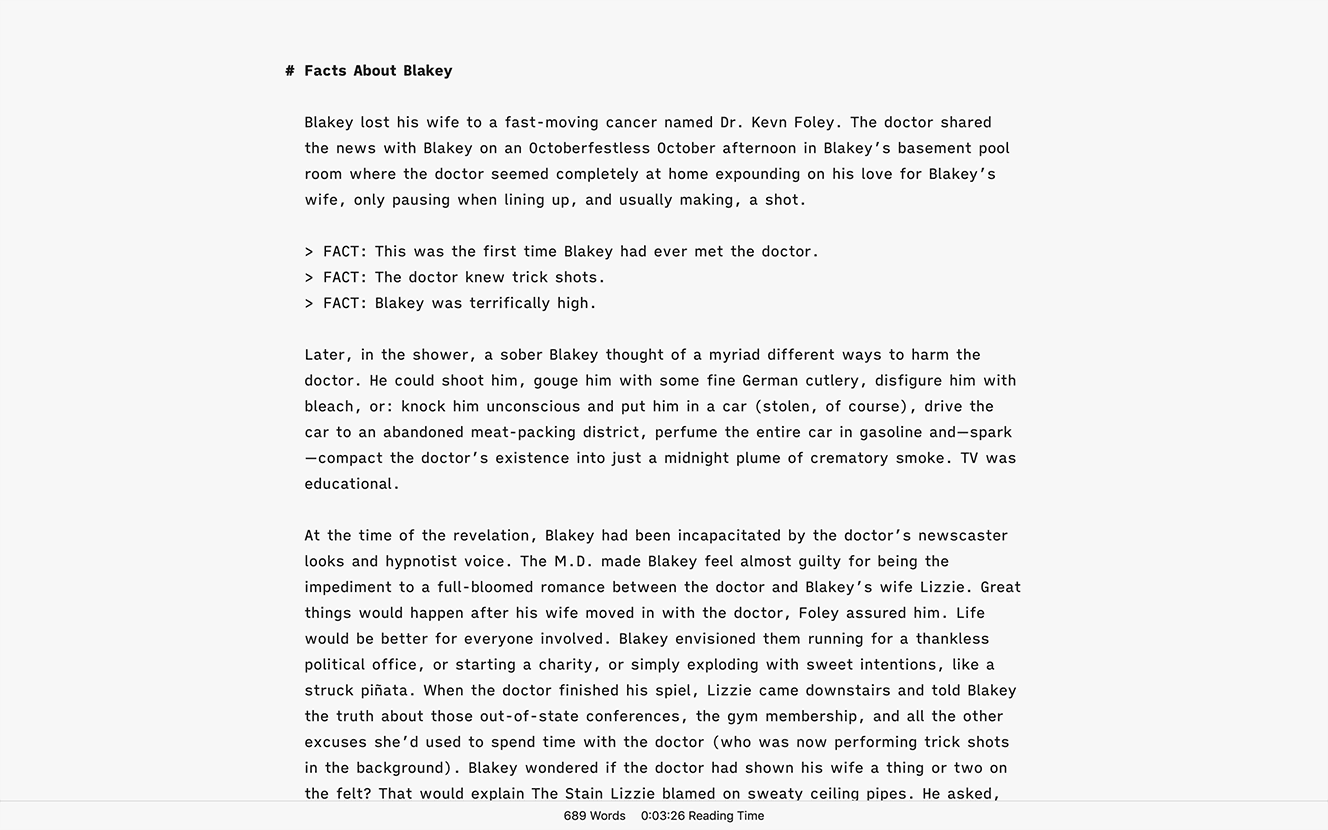
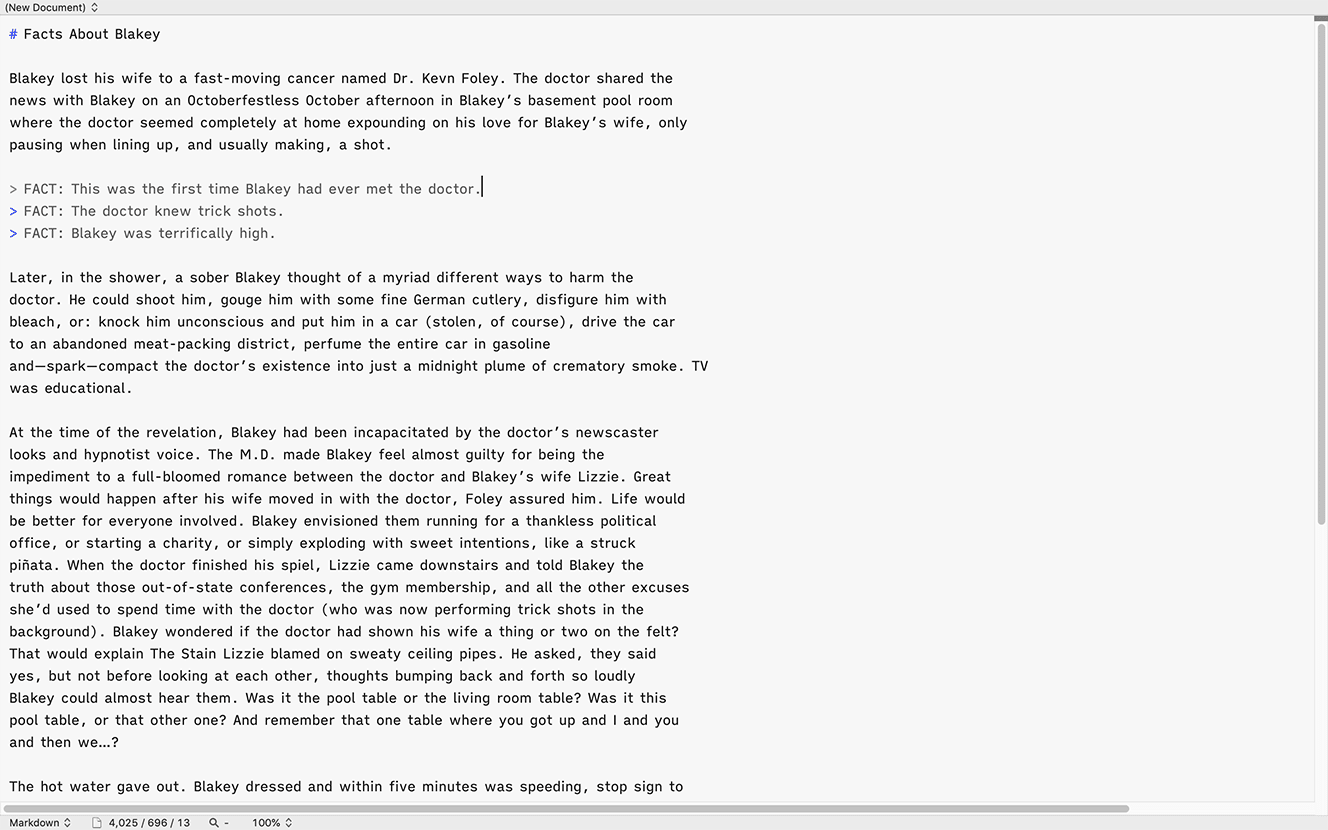
If you’re a fiction writer and unhappy with your current tool—or simply curious about other writing app options—here are a few tips to jumpstart writing novels or stories in Obsidian.
- Customize the look of Obsidian with a theme. (If you settle on the popular Minimal theme, the Minimal Theme Settings community plug-in lets you make additional adjustments to Obsidian’s appearance.)
- Set hotkeys for common actions, especially for toggling the left and right sidebars and for toggling light and dark modes
- Use the Command shortcut to bring up the Command palette and its wealth of options. (For example, you can engage the command palette, type PDF, and up pops the “Export to PDF…” feature)
- Bookmark your most commonly used files (a scratchpad, outline, plot summary, etc.) then use the Hotkeys for Bookmarks community plug-in to quickly jump between those documents
- The Smart Typography community plug-in is handy for em-dashes, ellipsis, and more
- You can change the typeface at › › › . If you’re partial to iA Writer’s fonts (direct download), you can install and use these in Obsidian.
- If you find yourself working across devices and operating systems, Obsidian’s paid Sync service works well, allowing you to hop between devices running MacOS, iOS, Windows, Android, and Linux.
Obsidian’s many advertised and YouTubed features—linking between documents, tagging, meta data, templating, publishing, etc—can make the app feel like overkill for the fiction writer. But absolutely none of these features are necessary to enjoy Obsidian as an effective writing tool. My advice is to simply start writing in Obsidian and save exploring the apps’ many features and community plug-ins for when you’re looking for a distraction from the business of writing—like you are now, reading this. Or like I am now, writing this.
Obsidian is available at obsidian.md. For support, visit their forum and Discord chat.
Now, back to writing.
About this post and your author: This post and website are free of affiliate links, analytics, ads, cookies, and trackers of any kind. I have no relationship with the developers other than having logged thousands of hours writing with their tools.
You may also be interested in my posts about iA Writer or BBEdit.